My watch says I may have high blood pressure
Apple Watch can notify you when your pulse shows a pattern that suggests high blood pressure. It never measures your blood pressure. Here is what the alert means, what it misses, and how to check your numbers the right way.
From Dr. Kenny Civello, cardiologist and electrophysiologist
Your watch looks at the shape of your pulse wave with its light sensor. Over 30 days, it looks for a pattern that often goes with high blood pressure. It does not give you a number, and it cannot diagnose high blood pressure. An arm cuff can.
How it checks
About every two hours while you are awake and sitting still, the watch records your pulse for a minute. It reviews each 30 days of readings as a block.
Which watches
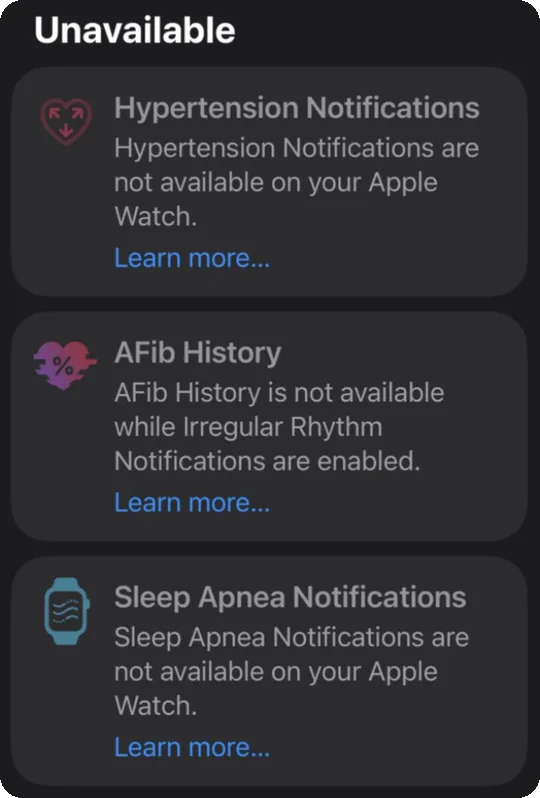
Apple Watch Series 9 or later, or Ultra 2 or later. It is not on Apple Watch SE.
Who it is for
Adults 22 and older who have not been told they have high blood pressure. It is not for use during pregnancy.
If you have chest pain, shortness of breath, back pain, numbness, weakness, a change in your vision, trouble speaking, fainting, or any other symptom that worries you, call 911. Do not wait to check your blood pressure.
How well it works
From the study Apple gave the FDA, which compared the watch with a month of home cuff readings.
It misses most cases
It caught about 4 of every 10 people with high blood pressure. It caught about half of people with higher readings, and about 3 in 10 with milder ones.
False alarms are less common
About 8 of every 100 people without high blood pressure got a notification anyway.
What that means for you
No notification does not mean your blood pressure is normal. Check it with a cuff at least once a year, and more often if your doctor asks.
Why a watch cannot replace a cuff
The 2025 high blood pressure guideline from the American Heart Association and American College of Cardiology says not to rely on cuffless devices, including smartwatches, for blood pressure readings until they prove more precise and reliable. A validated upper arm cuff is still the standard for checking blood pressure at home. See Which wearable features are FDA cleared.
What to do after a notification
A week of home readings tells us far more than the alert.
Get a validated upper arm cuff
Wrist and finger monitors are not recommended. See Best home blood pressure monitor.
Measure twice a day for 7 days
Once after you wake up and once before bed. Take two readings each time, one minute apart.
Write every reading down
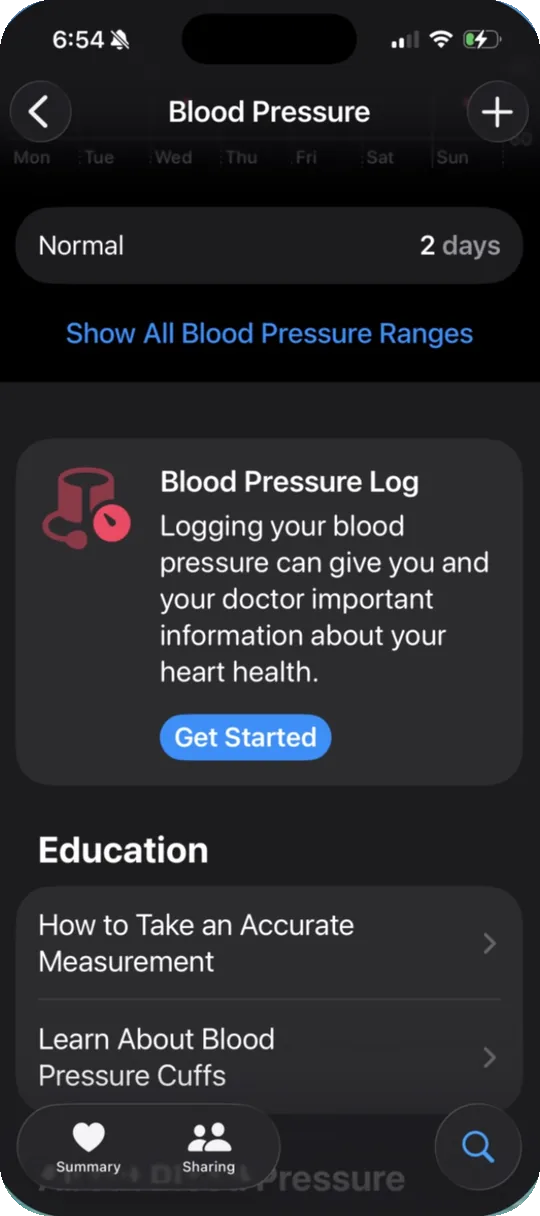
Use the log in our blood pressure guide, a notebook, or the Health app: tap Browse, then Heart, then Blood Pressure, then Add a Measurement.
Bring the log to your visit
Bring your cuff too, so we can check it against ours. We will look at your average, not one reading.
| Category | Top number | Bottom number | |
|---|---|---|---|
| Normal | Under 120 | and | Under 80 |
| Elevated | 120 to 129 | and | Under 80 |
| Stage 1 high blood pressure | 130 to 139 | or | 80 to 89 |
| Stage 2 high blood pressure | 140 or higher | or | 90 or higher |
If a reading is above 180 over 120
Wait a minute and check again. If it stays that high, call your doctor. If you also have chest pain, shortness of breath, back pain, numbness, weakness, a change in vision, or trouble speaking, call 911.
Measure it right
Most wrong home readings come from how the reading was taken. Check off each step before you press start. Nothing you enter leaves this device.
0 of 6 ready
Set it up
Apple puts this feature in a different place than the other heart features.
Open the Health Checklist
In the Health app on your iPhone, tap your picture in the top corner, then Health Checklist.
Find Hypertension Notifications
Tap Set Up and follow the screens. Your 30 day blocks start from the day you set it up.
Keep it working
Wrist Detection has to be on. Low Power Mode stops the heart readings this feature needs. See Set up your Apple Watch to check for AFib for those settings.
Common questions
Does this mean I have high blood pressure?
Not yet. It means your watch saw a pattern that often goes with high blood pressure. A week of home cuff readings, reviewed with your doctor, answers the question.
I already take blood pressure medicine. Should I turn it on?
No. It is for people who have not been diagnosed. It is not meant to track how well treatment works. A home cuff does that job.
My watch never sent a notification. Is my blood pressure fine?
Not necessarily. The watch missed most people with high blood pressure in Apple's own study. Check your blood pressure with a cuff.
Can my watch or ring show my blood pressure number?
Apple Watch does not. Some other bands and rings show blood pressure estimates. Most are wellness features the FDA has not reviewed. See FDA cleared or wellness.
What can I do to bring my blood pressure down?
Less salt, more potassium rich foods, regular activity, less alcohol, and better sleep all help. See Lowering your blood pressure.
More on wearables
Set up your Apple Watch to check for AFibSet up your Fitbit or Pixel Watch to check for AFibMy watch says I have AFibMy watch ECG says inconclusiveIrregular rhythm notifications, explainedMy watch says my heart rate is high or lowMy watch says I may have sleep apneaFDA cleared or wellness: what the label meansWhich wearable features are FDA clearedHow I choose the wearables I recommendFind the right wearableBest smartwatch for catching AFibBest smart ring for sleepBest home blood pressure monitorBest personal ECG without a smartwatchBest wearable for an older parentBest wearable for athletesBest wearable without a screenMore on blood pressure
Lowering your blood pressureThis page is general education for my patients. It does not replace advice from your own doctor. Watch notifications are not a diagnosis. Apple Watch is a trademark of Apple Inc. This page is not affiliated with Apple.
Based on: Jones DW, et al. 2025 AHA/ACC/AANP/AAPA/ABC/ACCP/ACPM/AGS/AMA/ASPC/NMA/PCNA/SGIM Guideline for the Prevention, Detection, Evaluation and Management of High Blood Pressure in Adults. Circulation. 2025. FDA 510(k) K250507, Hypertension Notification Feature. Apple, Hypertension Notifications validation paper, September 2025. American Heart Association, Monitoring your blood pressure at home.